Gmail Accounts: Features, Security, and Best Practices in 2026
-

- June 28th, 2026
- 29 views


FREE SEO Topical Map Generator: Find Your Next Content Ideas
Gmail is one of the most trusted and widely used email services in the world. Millions of individuals, businesses, students, and organizations rely on Gmail every day for communication, productivity, and online account management. A Gmail account is more than just an email address—it serves as the gateway to Google's ecosystem, including Google Drive, Google Docs, Google Calendar, Google Meet, Google Photos, YouTube, and many other services.
As digital communication continues to grow, understanding how Gmail works and how to use it safely has become increasingly important. Whether you use Gmail for personal conversations, business communication, or educational purposes, following best practices can help improve security, organization, and productivity.
Why Gmail Is So Popular
One of the main reasons Gmail remains popular is its reliability. Google's infrastructure provides excellent uptime and fast email delivery, making it a dependable platform for users around the world. Gmail offers a clean interface that is easy for beginners to understand while providing advanced features for experienced users.
The platform includes powerful spam detection technology that automatically filters unwanted messages before they reach your inbox. Gmail also uses machine learning to identify phishing attempts and suspicious emails, helping users avoid common online threats.
Because Gmail works seamlessly across computers, smartphones, and tablets, users can access their email from virtually anywhere with an internet connection.
Key Features of Gmail
Gmail includes many useful features designed to improve communication and productivity.
Some of the most valuable features include:
· Advanced spam and phishing protection
· Two-factor authentication (2FA)
· Smart Compose and Smart Reply
· Labels and custom filters
· Powerful search functionality
· Conversation view
· Automatic synchronization across devices
· Google Drive integration
· Google Meet integration
· Google Calendar connectivity
These tools help users manage emails efficiently while reducing the time spent organizing their inbox.
Gmail Security Best Practices
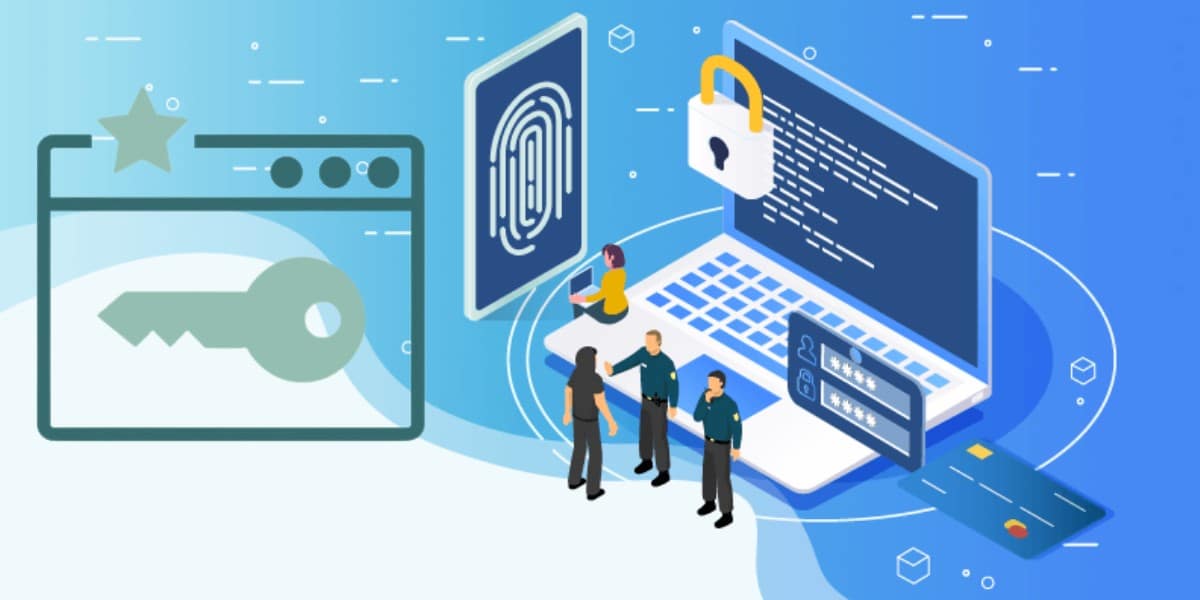
Keeping your Gmail account secure should always be a priority. Email accounts often contain sensitive personal and professional information, making them attractive targets for cybercriminals.
The first step toward better security is creating a strong, unique password. Avoid using common words, birthdays, or easily guessed information. Password managers can help generate and store secure passwords.
Enable two-factor authentication (2FA) whenever possible. This additional security layer requires a verification code after entering your password, making unauthorized access much more difficult.
Users should also review Google's Security Checkup periodically to monitor connected devices, recent login activity, and third-party applications with account access.
Never click suspicious links or download attachments from unknown senders. Phishing emails often imitate legitimate companies in an attempt to steal login credentials.
Using Gmail for Work and Education
Students use Gmail for classroom communication, assignment notifications, and collaboration through Google Docs. T.@usadigitalsmm Businesses rely on Gmail for professional communication, scheduling meetings with Google Calendar, and video conferencing with Google Meet.
Organizing Your Inbox Efficiently
A well-organized inbox saves time and reduces stress. Gmail offers several built-in tools that help users manage large numbers of emails.
Labels allow messages to be categorized without moving them into separate folders. Filters automatically organize incoming emails based on specific rules, while the Archive feature removes messages from the inbox without deleting them.
Users can also create priority inboxes, star important emails, snooze messages until later, and use search operators to locate emails instantly.
Maintaining an organized inbox makes daily communication much more efficient.
Using Gmail for Business
Businesses of all sizes use Gmail because it combines professional communication with Google's productivity tools.
Employees can collaborate using Google Docs, Sheets, and Slides while sharing files through Google Drive. Meetings can be scheduled using Google Calendar and conducted through Google Meet without leaving the Google ecosystem.
Cloud-based access allows employees to work from different locations while keeping their emails synchronized across all devices.
These features improve collaboration, reduce workflow interruptions, and support remote work environments.
Gmail for Students and Education
Students benefit from Gmail in many ways. Schools and universities often use Gmail for official announcements, assignment notifications, class communication, and collaboration.
Google Classroom integrates directly with Gmail, making it easier for students to receive updates and submit coursework. Google Drive provides cloud storage for assignments, while Google Docs enables real-time collaboration on group projects.
These tools help students stay organized throughout the academic year.
Common Mistakes Users Should Avoid
Many Gmail users unintentionally reduce their account security by reusing passwords across multiple websites. If one website experiences a data breach, attackers may attempt to use the same password elsewhere.
Another common mistake is ignoring security notifications from Google. These alerts often identify unusual login attempts or suspicious account activity.
Users should also avoid installing unnecessary browser extensions or granting excessive permissions to unknown third-party applications.
Regularly reviewing account settings and removing unused connected apps improves overall security.
Tips for Better Productivity
Gmail includes numerous productivity features that many users never fully explore.
Keyboard shortcuts allow faster navigation through emails. Search operators make it possible to locate specific messages within seconds. Templates help users respond quickly to frequently asked questions, while scheduled sending allows emails to be delivered at a later time.
Vacation responders automatically notify contacts when users are unavailable, making professional communication more efficient.
Learning these features can significantly improve daily workflow.
Conclusion
Gmail continues to be one of the world's leading email services because of its combination of security, reliability, and productivity. Its integration with Google's extensive ecosystem makes it valuable for personal users, businesses, educators, and students alike.
By following recommended security practices, organizing emails effectively, and taking advantage of Gmail's advanced features, users can create a safer, more productive, and more efficient email experience. As technology continues to evolve, Gmail remains a dependable communication platform that supports both everyday users and professional organizations around the globe.