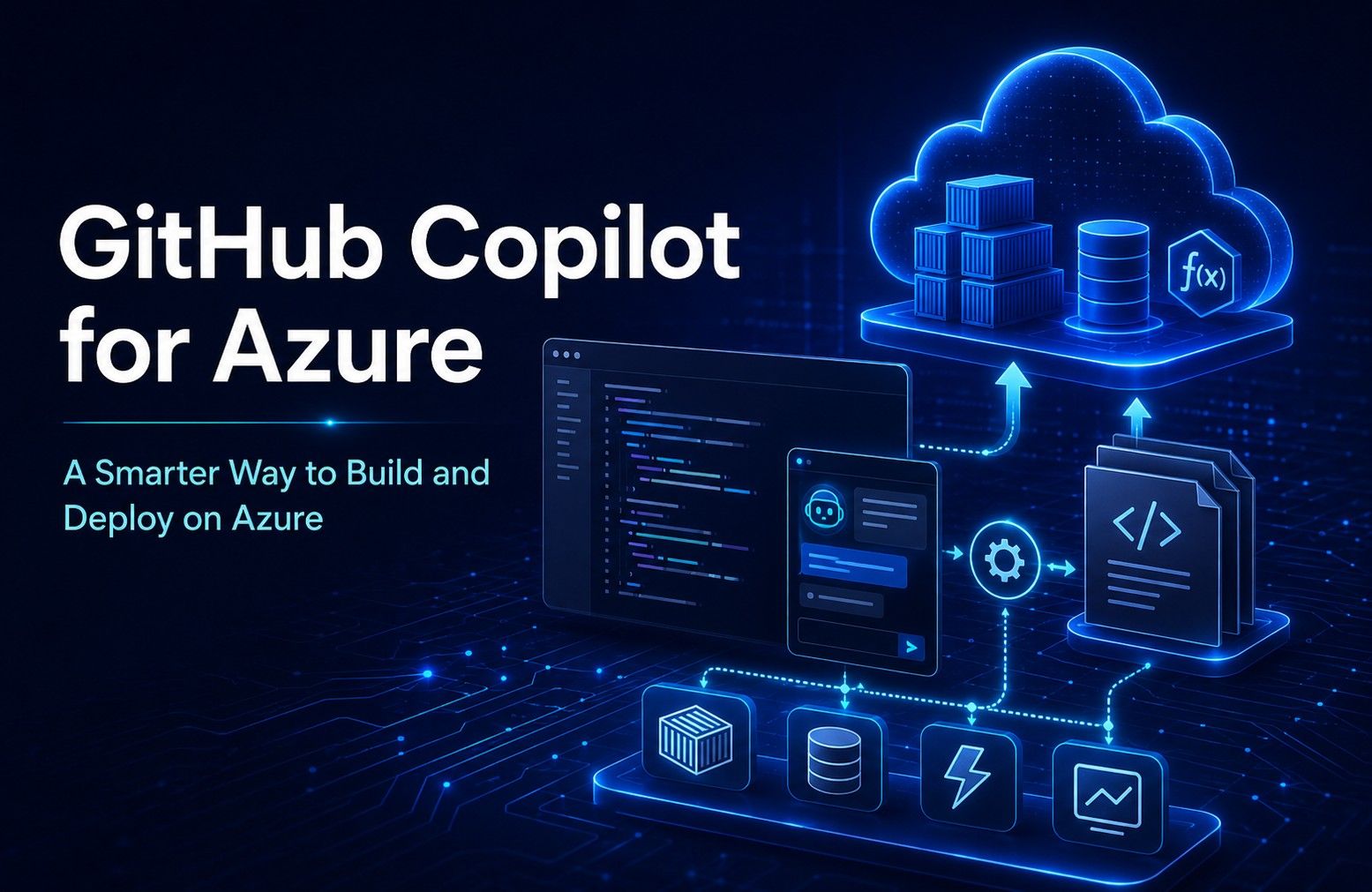
GitHub Copilot for Azure: A Smarter Way to Build and Deploy on Azure
-

- July 02nd, 2026
- 16 views

FREE SEO Topical Map Generator: Find Your Next Content Ideas
Cloud development has become faster, more complex, and more demanding than ever. Developers are expected to write code, understand cloud architecture, manage deployments, troubleshoot issues, optimize costs, and keep security in mind, all while delivering applications at speed.
This is where GitHub Copilot for Azure becomes an important step forward for modern development teams.
GitHub Copilot for Azure is a Visual Studio Code extension from Microsoft that helps developers work with Azure more easily through Copilot Chat. It introduces the @azure experience, where developers can ask Azure-related questions, get help with cloud tasks, and receive guidance directly inside VS Code instead of switching between documentation, portals, terminals, and deployment tools.
For companies investing in Azure Cloud Services, this is not just another developer extension. It represents a smarter way to connect coding, cloud configuration, infrastructure planning, deployment, and troubleshooting into one AI-assisted workflow.
Why GitHub Copilot for Azure Matters
Traditional cloud development often involves multiple tools and repeated manual steps. A developer may write application code in VS Code, check Azure documentation in a browser, open the Azure portal to review resources, use CLI commands for deployment, and then inspect logs when something goes wrong.
This context switching slows teams down and increases the chances of mistakes.
The GitHub Copilot Azure extension helps reduce this friction by bringing Azure guidance into the developer’s workspace. Developers can use natural language to ask about Azure services, understand resource details, generate infrastructure templates, and get support for deployment tasks.
This is especially useful for businesses focused on Azure cloud development, where speed, consistency, and deployment confidence are critical. Instead of relying only on manual knowledge or scattered documentation, teams can use AI assistance to move from idea to implementation more efficiently.
Azure Skills: Practical Support for Real Development Tasks
One of the strongest parts of GitHub Copilot for Azure is its Azure Skills. These skills provide service-specific knowledge and workflows that support common Azure development needs.
Microsoft highlights core deployment skills such as azure-prepare, azure-validate, and azure-deploy. These can help prepare applications for Azure deployment, validate infrastructure files, and execute deployment commands with built-in error recovery support.
For example, azure-prepare can help generate infrastructure-as-code files such as Bicep or Terraform, along with deployment-related files like azure.yaml and Dockerfiles. This is valuable because infrastructure setup is often one of the most time-consuming parts of cloud development.
When teams can generate a starting point faster, they can spend more time reviewing architecture, improving security, validating business requirements, and strengthening governance.
The azure-validate capability can help catch issues before deployment. This matters because failed deployments can waste time and affect release schedules. By checking deployment configuration and infrastructure files earlier, teams can reduce errors and build more reliable delivery pipelines.
Finally, azure-deploy supports deployment execution using tools such as the Azure Developer CLI, Terraform, and Azure deployment commands. This does not remove the need for developer review or DevOps governance, but it gives teams a more guided experience for moving applications into Azure.
Agent Mode: Moving from Suggestions to Actions
Ask Mode is helpful for learning and guidance, but Agent Mode takes the experience further. In Agent Mode, GitHub Copilot for Azure can use available tools to help complete Azure-related tasks.
Developers can allow the agent to choose tools automatically or guide it by selecting specific tools from the Copilot for Azure toolset.
This is a meaningful shift. Earlier AI coding assistants mainly helped with code suggestions. Now, the experience is moving closer to task support across the development lifecycle.
For example, a developer may ask for help deploying a local application to Azure, creating a storage account, or generating infrastructure for a cloud app. The extension provides examples such as deploying a Python Flask app, creating a ToDo web app, or generating a Bicep file for a MySQL database.
For organizations offering or consuming Azure Cloud Development Services, this can improve day-to-day productivity. Junior developers can get better guidance, experienced developers can reduce repetitive work, and DevOps teams can improve consistency across cloud projects.
Ask Mode: Azure Guidance Inside VS Code
Ask Mode allows developers to interact with @azure in natural language. This is useful for learning about Azure services, comparing options, understanding cloud resources, diagnosing issues, estimating cost details, and generating infrastructure templates.
This feature is valuable because cloud development is not only about writing application code. Developers often need quick answers to operational and architectural questions.
For example, a developer may want to understand the difference between Azure Container Apps and Azure Kubernetes Service. Another may need help diagnosing an issue with Azure Functions or Azure App Service. A DevOps engineer may want to generate a Terraform configuration or Bicep template for a specific resource.
Instead of searching across multiple pages, the developer can ask directly in VS Code. This helps make cloud learning and troubleshooting part of the same workflow where development already happens.
This is one of the key reasons why AI-assisted cloud development is becoming more practical for modern engineering teams.
Infrastructure as Code Becomes Easier to Start
Infrastructure as Code on Azure is essential for scalable cloud projects, but many teams still struggle with writing clean, reusable, and secure templates.
GitHub Copilot for Azure can help generate Bicep and Terraform templates, making it easier to create infrastructure definitions for Azure resources.
This does not mean teams should blindly deploy generated infrastructure. Human review is still important. Architecture, compliance, security, naming standards, tagging, access control, and cost controls must be checked carefully.
However, AI-assisted template creation can reduce the blank-page problem and help teams move faster during early planning. It can also help development and DevOps teams follow a more consistent Azure DevOps workflow when building, validating, and deploying cloud applications.
For companies looking for Azure Consulting Services, this can also support better collaboration between consultants, developers, and internal IT teams. Consultants can help define standards and governance, while developers use AI-assisted workflows to apply those standards faster.
Better Troubleshooting and Resource Understanding
Troubleshooting is one of the most practical use cases for GitHub Copilot for Azure.
The extension can help developers ask questions about Azure resources and diagnose problems with services such as Azure API Management, Azure Cache for Redis, Azure Container Apps, Azure Functions, Azure Kubernetes Service, and Azure App Service Web Apps.
This matters because cloud issues are not always easy to identify. A deployment may fail due to configuration, permissions, networking, scaling, runtime errors, or missing dependencies.
Developers often need to review logs, resource settings, service behavior, and deployment history. Having AI-guided support inside the IDE can reduce investigation time and help teams understand the next step more clearly.
It also supports better resource visibility. Developers can ask about resources, subscriptions, and resource groups they have access to, helping them understand what is running and where. This can be useful in larger environments where multiple teams manage different workloads.
How It Supports Azure Deployment Automation
Deployment is one of the most important stages in the software delivery lifecycle. Even small configuration errors can delay releases, create downtime, or increase support effort.
GitHub Copilot for Azure can support Azure deployment automation by helping developers prepare deployment files, validate infrastructure configuration, and execute guided deployment commands. This makes the deployment process more structured and easier to follow.
For DevOps teams, this can help improve consistency. For developers, it reduces dependency on memorizing every command or switching between multiple tools. For business leaders, it supports faster release cycles and better delivery confidence.
However, automation should always be supported by proper governance. Teams should still define approval workflows, environment strategies, security checks, testing processes, and monitoring standards before using automation at scale.
What Teams Need to Get Started
To use GitHub Copilot for Azure, teams need an active GitHub Copilot license, the GitHub Copilot Chat extension, and a Microsoft account. They also need access to the relevant Azure subscriptions and resources.
Before adopting it widely, businesses should think about governance. AI-assisted development works best when teams have clear coding standards, cloud naming conventions, access controls, approval workflows, security review processes, and cost management practices.
This is where Azure Cloud Consulting Services can add value. Instead of simply enabling a tool and expecting instant productivity, organizations should create a practical adoption roadmap. This roadmap should define use cases, team responsibilities, security rules, development standards, and review processes.
A Smarter Future for Azure Development
GitHub Copilot for Azure shows how AI is becoming more deeply connected with cloud development. It helps developers ask better questions, generate infrastructure, understand resources, validate deployment files, troubleshoot issues, and work with Azure more naturally inside VS Code.
For IT leaders, the real value is not only faster coding. The bigger opportunity is improving the full cloud delivery experience from planning and development to deployment, monitoring, and optimization.
When used with the right governance, GitHub Copilot for Azure can help teams reduce manual effort, improve consistency, and deliver cloud solutions with more confidence.
At Vaden Consultancy, we help organizations adopt Microsoft cloud, AI, DevOps, and application development solutions in a practical and scalable way. Whether you are modernizing applications, building new cloud platforms, or improving your Azure delivery process, the right AI-assisted development approach can make your cloud journey faster, smarter, and more reliable.