How to Design Your Own Custom T-Shirt Online Without Mistakes
-

- July 22nd, 2026
- 1,827 views

FREE SEO Topical Map Generator: Find Your Next Content Ideas
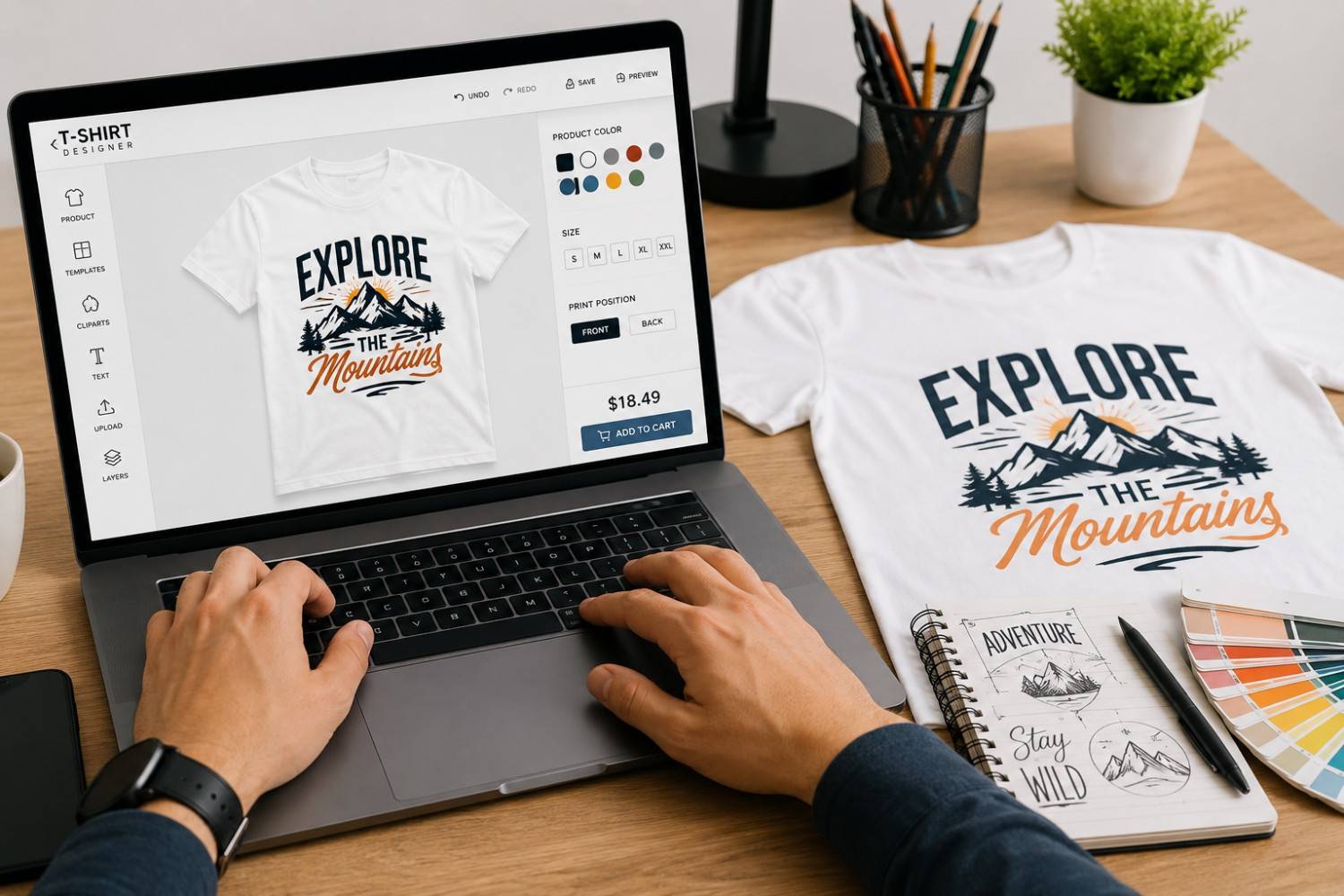
Designing a T-shirt online feels exciting in the beginning. You have an idea in your head, maybe a logo, a quote, a college name, a team slogan, or a small sketch someone made in your WhatsApp group. You upload it, adjust the size, pick a colour, and suddenly it looks ready.
But this is where many custom orders go wrong.
A design can look perfect on a mobile screen and still come out badly on the actual T-shirt. The print may look too small. The colours may not match. The logo may become blurry. The text may be unreadable from even a short distance.
A good custom tshirt is not just about adding a design to fabric. It is about making sure the design, colour, print size, fabric, and placement all work together.
This guide will help you design your own custom T-shirt online without the common mistakes that usually happen before printing.
First, Know Why You Are Designing the T-Shirt
Before choosing a font or uploading artwork, pause for a minute and think about the purpose of the T-shirt.
Is it for a company event?
A college farewell?
A birthday group?
A sports team?
A startup launch?
A family trip?
A brand merchandise drop?
The reason matters because every T-shirt does not need the same design style.
A corporate T-shirt usually looks better with a clean logo and simple placement. A college T-shirt can be louder, funnier, and more personal. A sports T-shirt needs bold names, numbers, and strong colour contrast. A brand merchandise T-shirt should feel stylish enough for people to wear even after the event is over.
Here is a simple way to decide the direction:
| Purpose | Better Design Approach |
|---|---|
| Company event | Neat logo, clean font, limited colours |
| College celebration | Bold graphics, batch name, fun slogans |
| Sports team | Strong contrast, names, numbers |
| Startup merchandise | Minimal design, modern typography |
| Birthday or family trip | Personal message, photo, simple artwork |
| Promotional campaign | Logo, tagline, easy-to-read brand message |
When the purpose is clear, the design becomes much easier to control.
Choose the T-Shirt Colour Before Finalising the Design
A lot of people design the artwork first and choose the T-shirt colour later. That can create problems.
The T-shirt colour is the background of your design. If the background does not support the artwork, even a good design can look weak.
For example, black text on a navy T-shirt will not be clearly visible. A white logo may look premium on black, maroon, or bottle green. But the same white logo may not stand out on light grey or pastel colours.
Good colour contrast makes the T-shirt look sharp.
| T-Shirt Colour | Design Colours That Usually Work Well |
|---|---|
| White | Black, navy, red, green, multicolour designs |
| Black | White, yellow, orange, light blue |
| Navy Blue | White, yellow, light grey |
| Grey | Black, navy, maroon |
| Red | White, black |
| Bottle Green | White, beige, yellow |
| Yellow | Black, navy, dark green |
A simple rule: if you have to zoom in to see the design clearly, the contrast is probably not strong enough.
Do Not Try to Say Everything on One T-Shirt
A T-shirt is not a visiting card, brochure, or banner.
This is one of the most common design mistakes. People try to add the company name, tagline, phone number, website, Instagram handle, QR code, event name, sponsor logo, and sometimes even a long quote.
The result? Nothing gets noticed properly.
A T-shirt is usually seen while someone is walking, standing in a group, or moving around at an event. The design should be understood quickly.
For most custom T-shirts, one main message is enough.
- For a business T-shirt, that could be your logo and tagline.
- For a college T-shirt, it could be the batch name.
- For a sports T-shirt, it could be the team name and number.
- For a gift T-shirt, it could be a short personal line.
When in doubt, remove one element. Clean designs almost always look better than crowded designs.
Use Proper Artwork Files, Not Screenshots
This mistake ruins many custom tshirt orders.
A logo taken from WhatsApp, a screenshot from Instagram, or a small image downloaded from Google may look fine on your phone. But printing needs better quality.
If the file is low resolution, the final print can look pixelated, blurry, or rough around the edges.
For best results, use print-ready file formats such as:
- AI
- EPS
- SVG
- PDF
- High-resolution PNG
- High-resolution JPEG
For logos, vector files are best because they can be resized without losing sharpness.
If you do not have a high-quality file, ask the printing team if the artwork needs to be cleaned or recreated before printing. It may take a little extra time, but it is better than printing a poor-quality design on every T-shirt.
Keep Text Big Enough to Read
Small text looks harmless on a design preview. But once printed, it may not be readable.
This is especially true for sleeve prints, chest logos, and detailed back designs.
Avoid using:
- Very thin fonts
- Tiny text
- Long sentences
- Too many lines
- Low-contrast text colours
- Decorative fonts for important words
If your T-shirt has text, make sure the main line can be read from a normal distance. For business T-shirts, readability is more important than fancy styling. For college or event T-shirts, playful fonts are fine, but they should still be clear.
A simple test: show the design preview to someone for three seconds. If they cannot read the main message, the design needs work.
Think About Print Placement Carefully
Placement can make or break the final look.
A logo placed too high may look uncomfortable. A centre print placed too low may look awkward when worn. A large front design may look good on a mockup but feel too heavy on the actual T-shirt.
Common placement options include:
| Print Placement | Best For |
|---|---|
| Left chest | Company logos, uniforms, premium branding |
| Centre front | Quotes, graphics, casual designs |
| Full front | Bold artwork, merchandise, college T-shirts |
| Full back | Event details, team names, batch prints |
| Sleeve | Small logos, initials, sports branding |
| Neck back | Subtle branding |
For corporate use, left chest logo placement usually feels professional. For events and college groups, back prints work well because they are visible in photos. For fashion-style merchandise, smaller and cleaner placements often look more wearable.
Check Whether the Design Works on All Sizes
A design that looks balanced on a medium T-shirt may look small on XXL. The same design may look too large on XS.
This matters more when ordering bulk quantities with different sizes.
Most printers use one standard print size for all adult T-shirts. That is normal and practical. But if your order includes kids’ sizes, oversized fits, or plus sizes, you may need to check how the design will look across different garment sizes.
For example, a large chest print on a small-size T-shirt may feel too crowded. On a larger T-shirt, the same print may look more balanced.
Before confirming the order, review the mockup with size variation in mind.
Match the Design With the Right Printing Method
Not every design should be printed the same way.
The printing method depends on your artwork, fabric, quantity, and budget.
Here is a simple breakdown:
| Design Type | Suitable Method |
|---|---|
| Simple logo | Screen printing or DTF |
| Full-colour artwork | DTF or DTG |
| Photo design | DTG |
| Bulk company T-shirts | Screen printing |
| Small quantity orders | DTF or DTG |
| Polyester sports T-shirts | DTF or sublimation |
| Cotton T-shirts | DTG, DTF, or screen printing |
You do not need to become a printing expert. But you should ask the supplier which method suits your design best.
For example, if you want 300 T-shirts with a one-colour company logo, screen printing may be ideal. If you want 25 T-shirts with colourful artwork, DTF may be better. If you want a soft photo-style print on cotton, DTG can work well.
Choosing the wrong method can affect print feel, cost, colour quality, and durability.
Do Not Approve the Mockup Too Quickly
A mockup is helpful, but it is not something to rush.
Before approving it, check every detail slowly.
Look at:
- Logo size
- Text spelling
- Design placement
- Print colour
- T-shirt colour
- Front and back alignment
- Name and number accuracy
- Print dimensions
- Quantity and size breakdown
Spelling mistakes are more common than most people think. Names, dates, team numbers, website URLs, and taglines should be checked carefully.
Once the order goes into production, changes may not be possible.
Avoid Using Copyrighted Designs
Many people search online for T-shirt design inspiration. That is fine. But copying someone else’s artwork directly is risky.
Images from Google, Pinterest, movies, cartoons, sports clubs, or fashion brands may be copyrighted. Even if an image is easy to download, it does not mean it is free to print and sell.
For safe custom tshirt design, use:
- Your own logo
- Original artwork
- Licensed graphics
- Royalty-free elements
- Personal photos you own
- Designs created specifically for your order
Original designs also make your T-shirt feel more meaningful. They give your business, event, or group its own identity instead of looking like a copied idea.
Keep the Design Wearable
This is something many buyers forget.
A T-shirt may look fun for one event, but will people wear it again?
If the design is too loud, too crowded, or too specific, it may stay in the cupboard after the first use. That is okay for some events, but not for brand merchandise or corporate apparel.
For long-term use, keep the design wearable.
A small logo, clean typography, good fabric colour, and balanced placement can make a big difference. People are more likely to wear a T-shirt again if it feels comfortable and looks good outside the event also.
This is especially important for businesses using T-shirts for branding. The more people wear your T-shirt, the more visibility your brand gets.
Mistakes to Avoid While Designing a Custom T-Shirt Online
Here are the mistakes that usually cause disappointment:
Choosing the T-shirt colour after designing the artwork
- Uploading low-quality images
- Using too much text
- Selecting fonts that are hard to read
- Ignoring contrast
- Placing the logo too high or too low
- Not checking the design on different sizes
- Using copyrighted artwork
- Forgetting to proofread names and dates
- Picking the wrong printing method
- Approving the mockup without checking details
Most of these mistakes are easy to avoid. You just need to slow down before placing the order.
A Simple Custom T-Shirt Design Checklist
Before you confirm your design, go through this checklist:
| Question | Why It Matters |
|---|---|
| Is the design clear at first glance? | Helps people understand it quickly |
| Is the artwork high quality? | Prevents blurry printing |
| Is the text readable? | Improves visibility |
| Does the colour contrast work? | Makes the design stand out |
| Is the print placement correct? | Keeps the T-shirt balanced |
| Is the design size suitable? | Avoids awkward proportions |
| Have all spellings been checked? | Prevents costly errors |
| Is the print method suitable? | Improves final output |
| Does the design match the purpose? | Makes the T-shirt useful |
| Will people want to wear it again? | Increases value and brand visibility |
This checklist may look simple, but it can save your order from many avoidable problems.
Final Thoughts
Designing your own T-shirt online is easier than ever, but getting a good result still needs a bit of care.
The best custom T-shirts usually have a clear purpose, readable design, good colour contrast, proper artwork quality, and the right print placement. They are not overloaded. They do not try too hard. They simply look clean, feel comfortable, and make sense for the occasion.
Whether you are ordering for a company event, college celebration, sports team, startup, family trip, or promotional campaign, take a few minutes to review the design properly before approving it.
A well-designed custom tshirt is not just something people wear once. It can become a memory, a team identity, a brand tool, or even a product people enjoy using again and again.
FAQs
How can I design my own custom T-shirt online?
You can design your own custom T-shirt online by choosing the garment colour, uploading your logo or artwork, adding text if needed, selecting the print placement, and reviewing the mockup before ordering.
What is the best file format for custom tshirt printing?
Vector files such as AI, EPS, SVG, and PDF are usually best for logos. High-resolution PNG or JPEG files can also work for image-based designs.
What is the biggest mistake in custom T-shirt design?
The biggest mistake is using low-quality artwork. A blurry or pixelated image on screen will usually look worse when printed on fabric.
How do I choose the right T-shirt colour?
Choose a T-shirt colour that gives strong contrast to your design. Dark designs usually work well on light T-shirts, while white or bright designs stand out better on dark T-shirts.
Can I print any design I find online?
No. Many designs found online are copyrighted. It is safer to use your own artwork, licensed graphics, royalty-free images, or custom-made designs.
Which printing method is best for a custom tshirt?
It depends on your design and quantity. DTG works well for detailed cotton prints, DTF is good for colourful designs and mixed fabrics, while screen printing is better for bulk orders with simple designs.